
PRODUCT
Data Coverage

Know what we check, where, and how fresh it is

Transparent coverage across registries, ownership signals, watchlists, and monitoring events, with clear source types and update cadence.
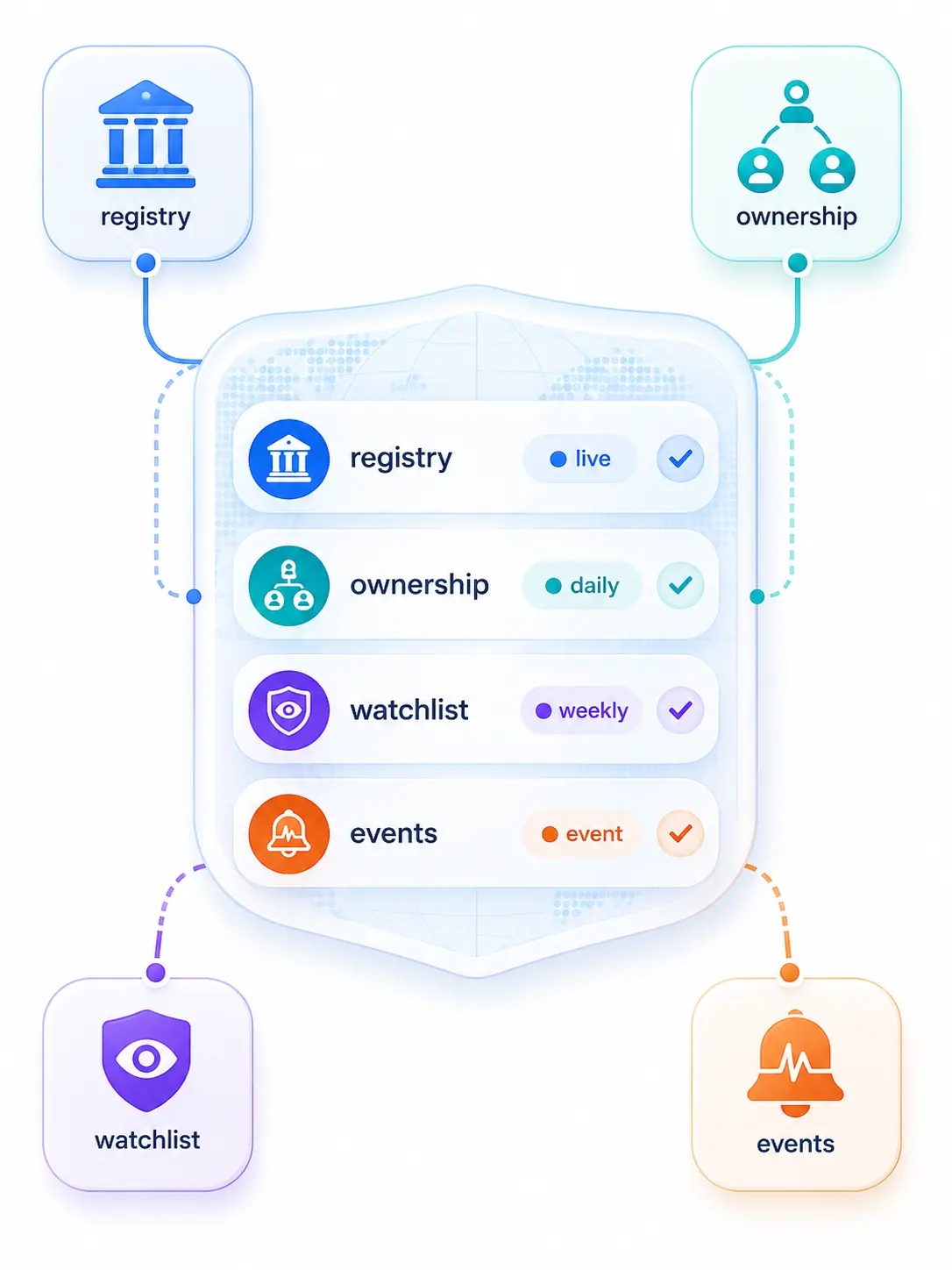
Data types • Regions • Cadence

Coverage by data type

See inputs, sources, and how often they refresh

Company registries

Status indicator showing a verified checkmark icon inside a badge.
What you get:
Legal name, identifiers, incorporation status, directors/officers, filings (where available)
Status indicator showing a verified checkmark icon inside a badge.
Source type:
Official registries + validated commercial sources
Status indicator showing a verified checkmark icon inside a badge.
Update model:
Refresh on onboarding + re-check on key changes
Live

Ownership & UBO

Status indicator showing a verified checkmark icon inside a badge.
What you get:
Ownership graph signals, key roles, relationship evidence
Status indicator showing a verified checkmark icon inside a badge.
Source type:
Registries + documents + customer-provided disclosures
Status indicator showing a verified checkmark icon inside a badge.
Update model:
Rerun when ownership-related fields change
Document

Sanctions & PEP

Status indicator showing a verified checkmark icon inside a badge.
What you get:
Sanctions/PEP matches, match context, rationale fields
Status indicator showing a verified checkmark icon inside a badge.
Source type:
Watchlists and risk datasets used for screening
Status indicator showing a verified checkmark icon inside a badge.
Update model:
Continuous screening workflows are standard for these datasets
Manual

Adverse media

Status indicator showing a verified checkmark icon inside a badge.
What you get:
Negative news signals with article-level evidence and categorization
Status indicator showing a verified checkmark icon inside a badge.
Source type:
Broad set of sources including international/regional news, government sites, court judgments, specialist sources (vendor dependent)
Status indicator showing a verified checkmark icon inside a badge.
Update model:
Ongoing monitoring recommended for material-risk customers
Live

Monitoring events

Status indicator showing a verified checkmark icon inside a badge.
What you get:
Triggers (status change, new watchlist hit, new negative news signal, etc.)
Status indicator showing a verified checkmark icon inside a badge.
Source type:
Derived events from the underlying data types
Status indicator showing a verified checkmark icon inside a badge.
Update model:
Event-driven, routed to review queues and audit trail
Live
bird’s-eye view

Coverage matrix

Compare coverage by region and method

Live (direct/automated)
Document (provided evidence)
Manual (assisted/exception)
Data type
Americas
EMEA
APAC
Company registries
Live
Live
Live
Ownership & UBO
Live
Live
Live
Sanctions & PEP
Live
Manual
Manual
Adverse media
Document
Live
Manual
Monitoring events
Live
Live
Manual

Sources and freshness

Source types and how updates are handled

Corporate building icon representing business entities.

Official registries

Onboarding pulls plus re-checks when key fields change.
Refresh + re-check
Security shield with an exclamation mark representing a risk alert.

Sanctions & PEP lists

Lists change with no fixed timetable, so updates are handled continuously as they’re released.
As published
Newspaper icon representing adverse media or news reports.

Adverse media

Ongoing monitoring is a common best practice for detecting new risk events.
Continuous signals
Horizontal sliders icon representing configuration settings.

Monitoring events

Changes are surfaced as triggers for review workflows (based on underlying sources).
Event-driven

Coverage notes

What to expect by jurisdiction

Coverage varies by jurisdiction

Official business registers differ a lot in what they publish and how they’re accessed, so coverage depth can vary by country.

What “Live / Document / Manual” means

Live = automated source pull; Document = evidence provided and verified; Manual = exception handling when automation is limited or unclear.

Sanctions lists don’t update on a fixed schedule

Watchlists can change at any time; screening needs to handle updates as they’re released, not on a calendar.

Ongoing monitoring is part of KYB reality

Risk is not a one-time check. Monitoring exists to surface material changes after onboarding.

How to request a country coverage list

Ask for your target countries and use cases (onboarding vs monitoring). We’ll share coverage details and the recommended integration path.

Confirm coverage for your markets
We’ll map your target countries and workflows, then share the coverage view that matters for your onboarding and monitoring needs.
Request a demo