PRODUCT
Features / Decision Engine

Decision engine for KYB routing and outcomes

Route cases by risk, standardize approvals and escalations, and capture reviewer-ready rationale for every decision.
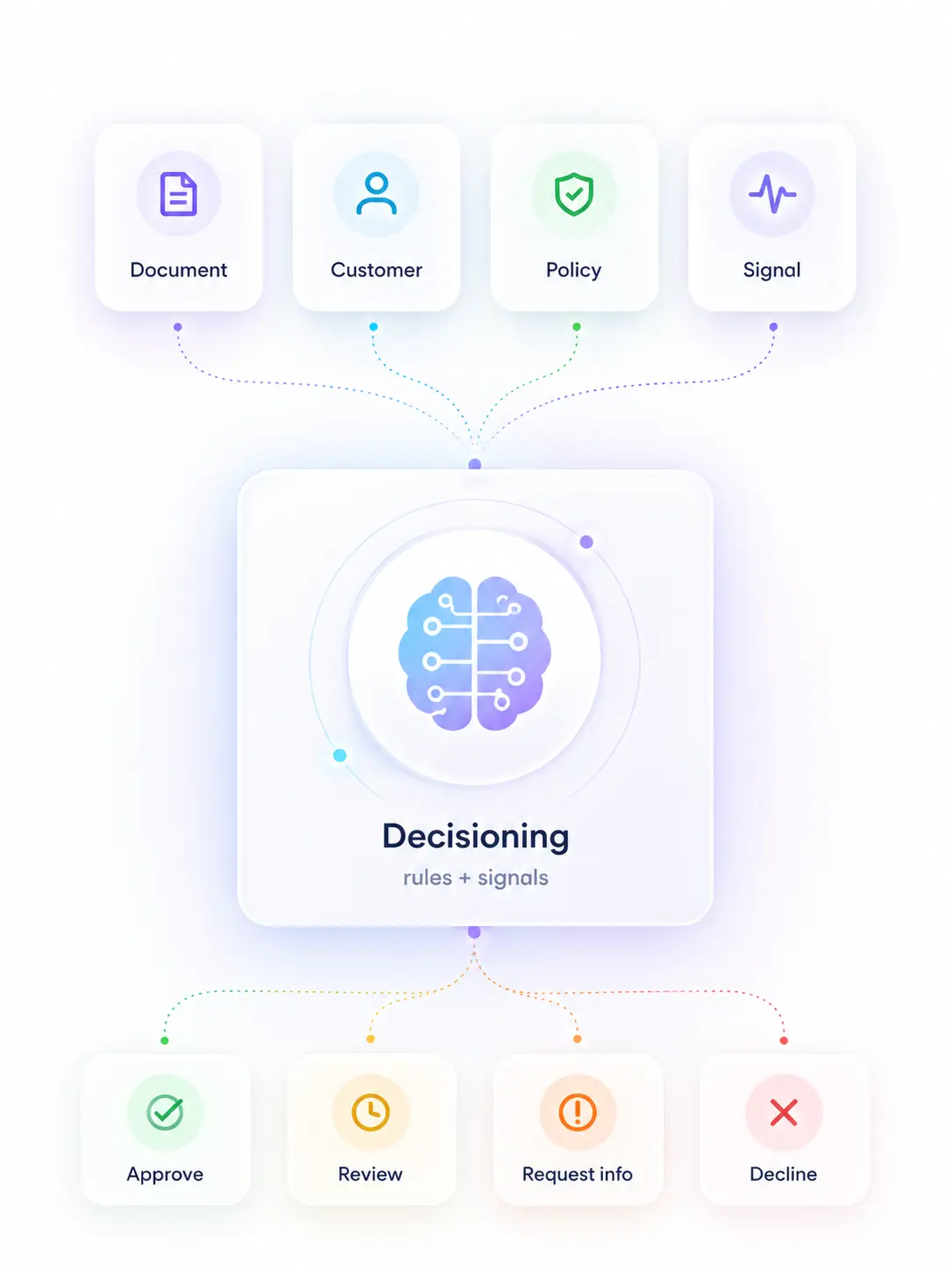
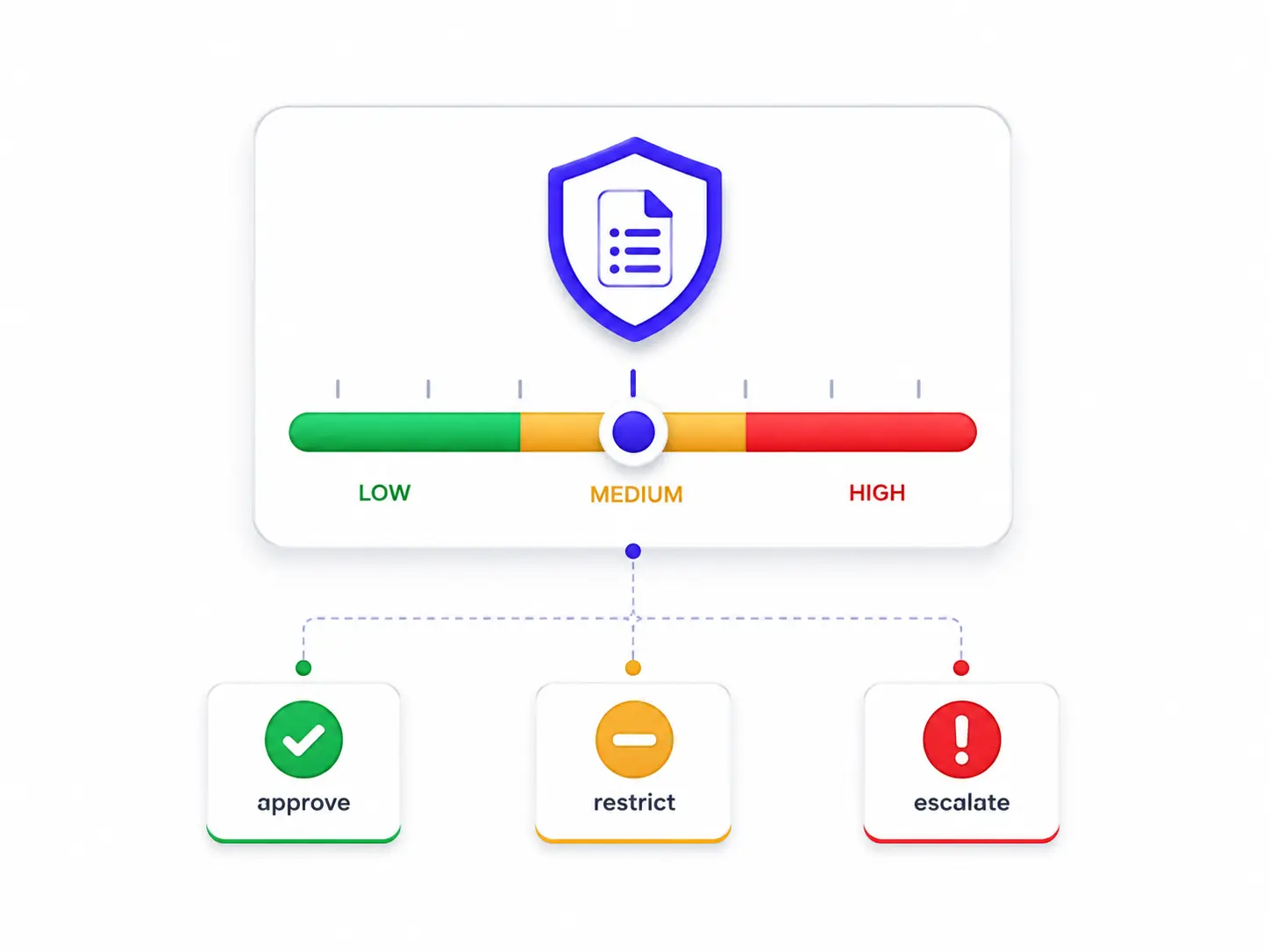
Risk-based routing • Approve / restrict / escalate • 100% logged rationale

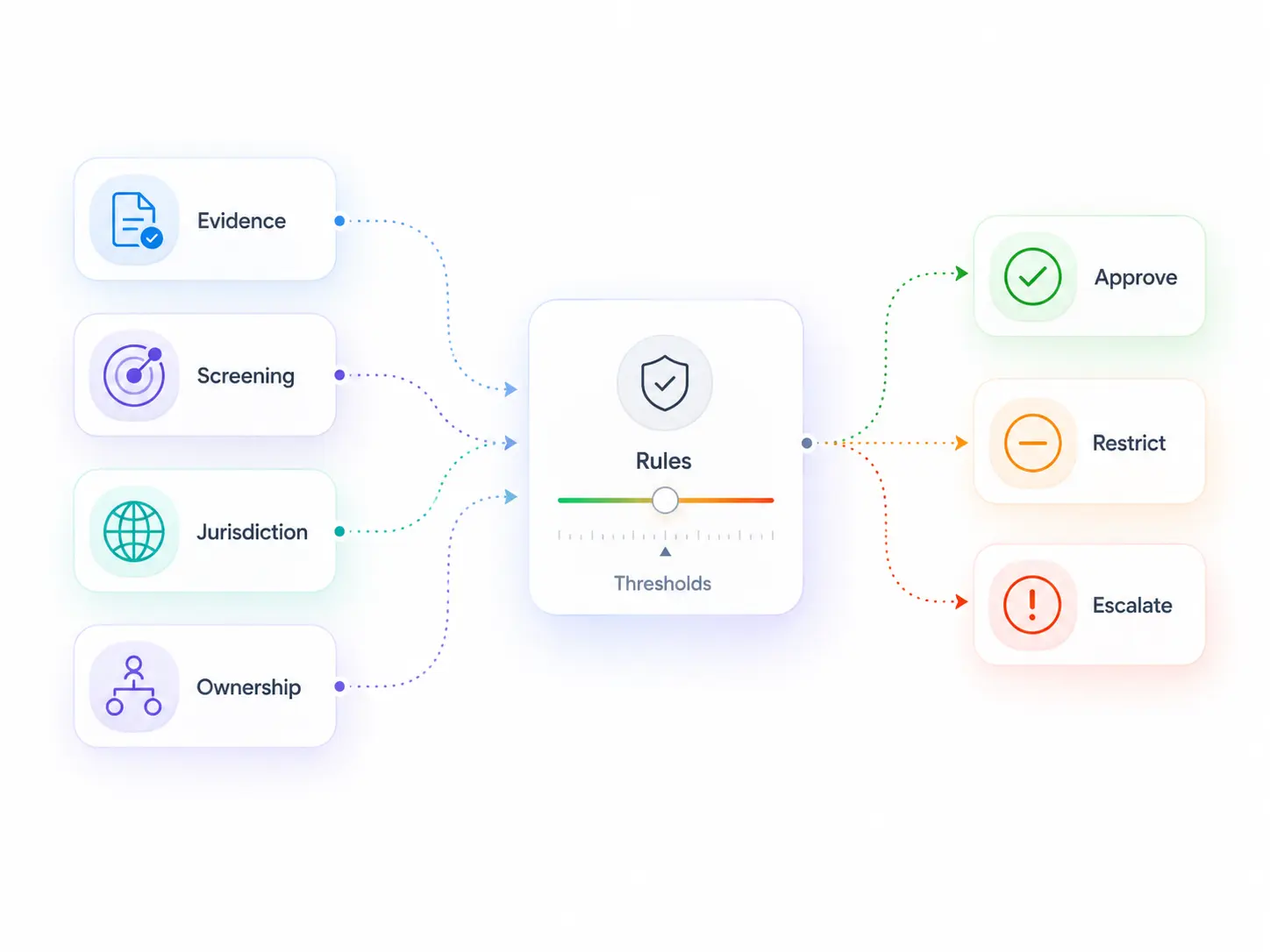
Routing outcomes the Decision engine produces

Standardize how cases move through approval, restriction, or escalation, with rationale attached to each outcome

DECISION ENGINE
Risk-based routing

Building blocks of KYB decisions

Status indicator showing a verified checkmark icon inside a badge.
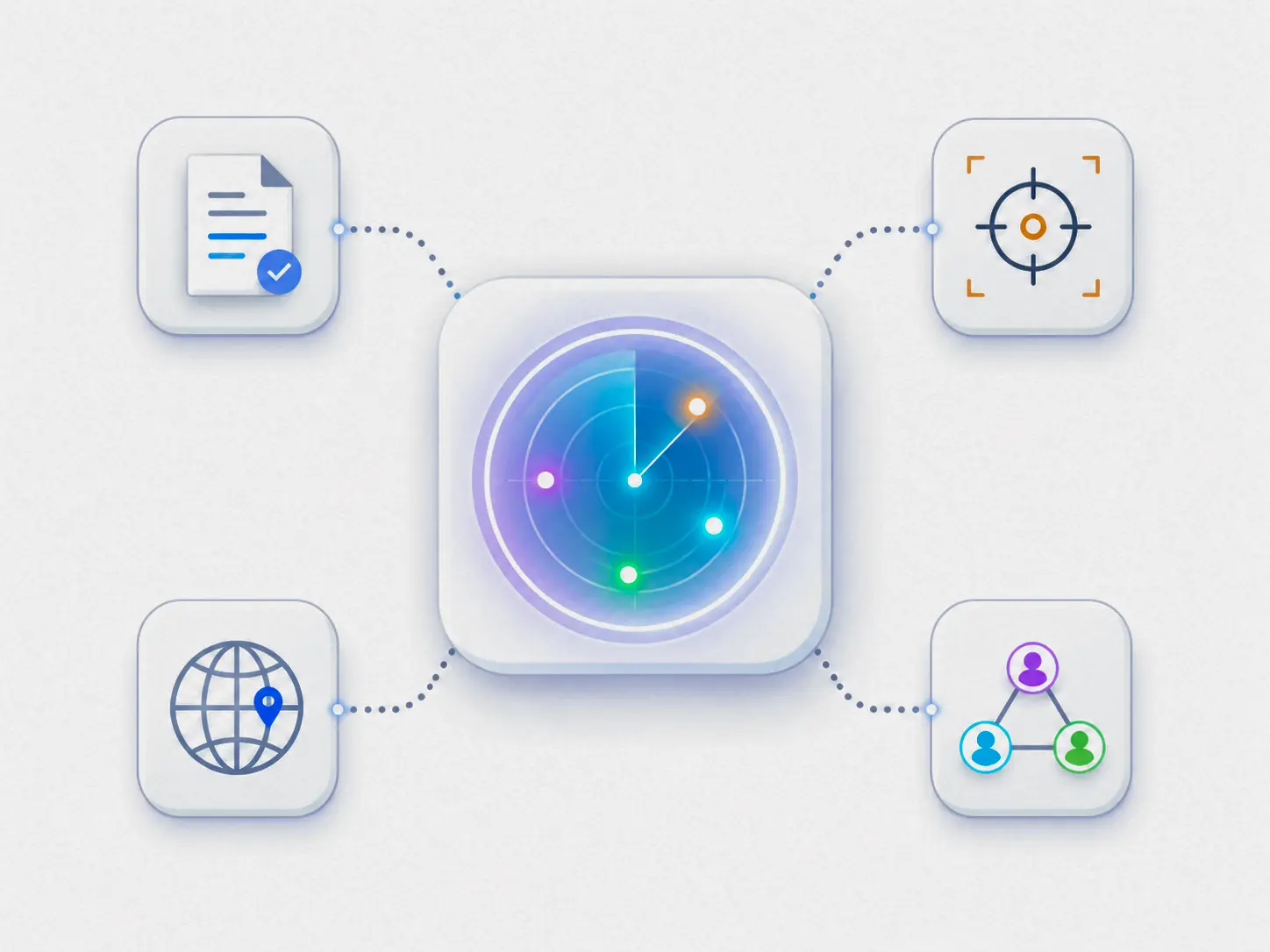
Risk signals: Evidence, screening, jurisdiction, and ownership inputs that drive routing.
Status indicator showing a verified checkmark icon inside a badge.
Policy thresholds: Approve, restrict, or escalate based on your KYB rules.
Status indicator showing a verified checkmark icon inside a badge.
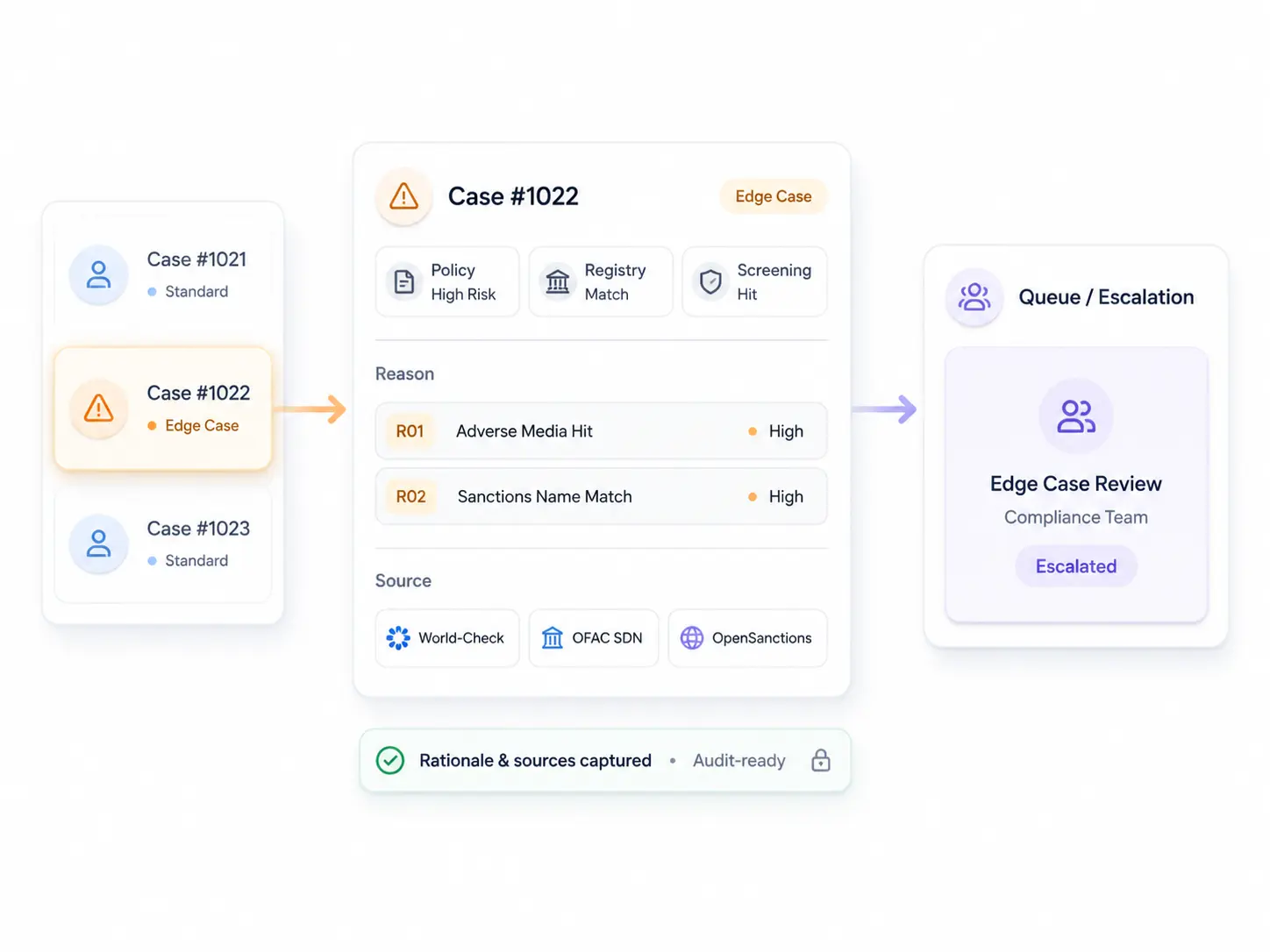
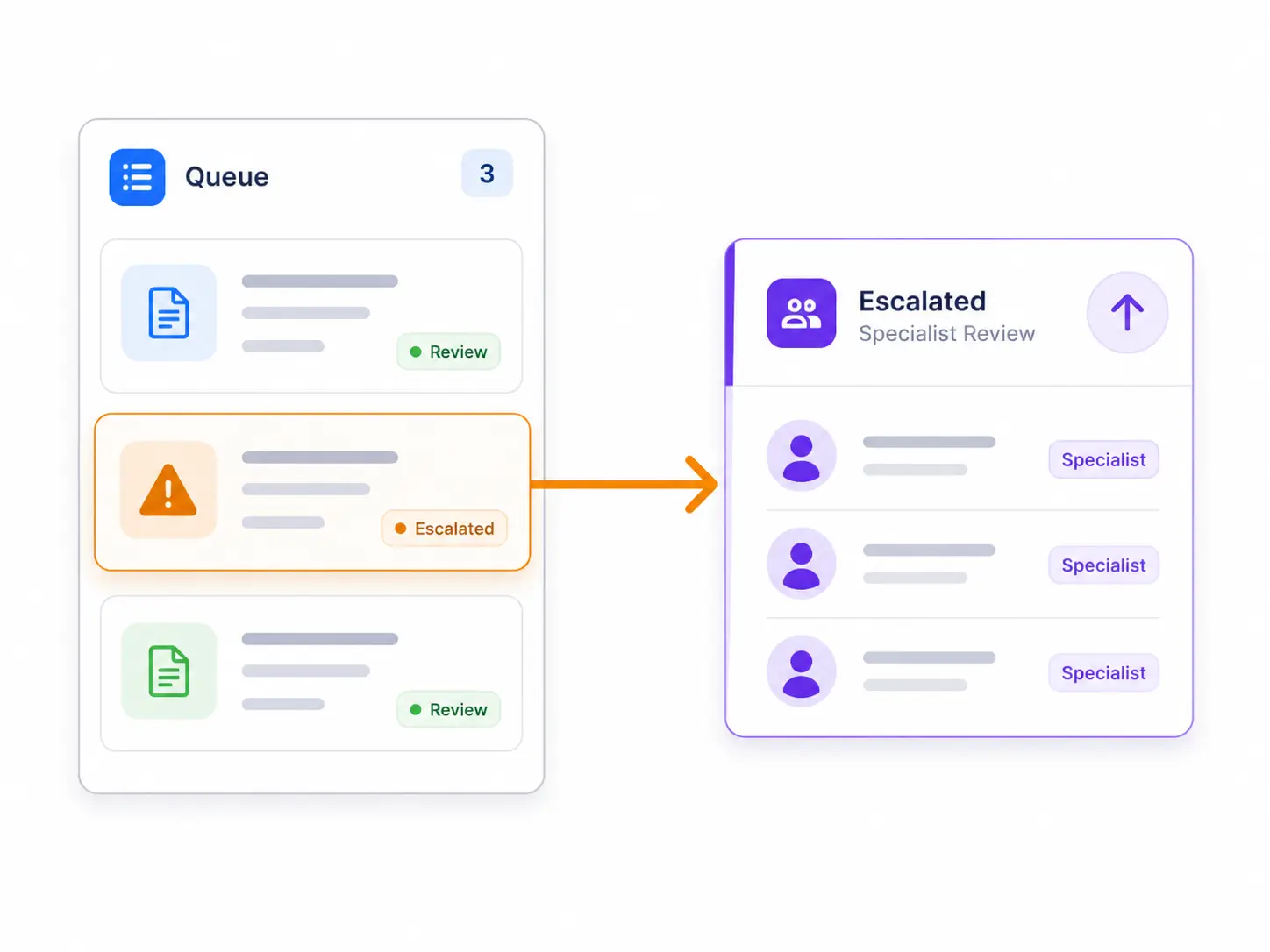
Queues and escalation: Send edge cases to the right team with clear context.
Status indicator showing a verified checkmark icon inside a badge.
Rationale and sources: Capture reason codes and sources so outcomes are audit-ready.
Or view audit trail →

Example KYB routing rules

Real-world rule patterns teams configure. These examples show the “if this, then that” logic behind consistent outcomes.

01
If required evidence is complete and screening returns no matches, then Approve with rationale attached.
02
If evidence is complete but risk exposure requires limits, then Restrict and add a reviewer checklist for next steps.
03
If there is a potential screening match or insufficient identifiers, then Escalate to EDD with the missing details listed.
04
If ownership is complex or control is unclear, then Escalate with a required follow-up list (UBO proof, structure clarification).
Escalate when: evidence gaps, ownership uncertainty, or screening ambiguity.
Request a demo
Right-facing arrow button to proceed to the next step.

Decision engine FAQ

Quick answers on routing rules, escalation, and rationale.

How are routing thresholds defined?

Expand section details

Thresholds are configured using your risk factors and policy rules, so outcomes stay consistent across reviewers and workflows.

What’s the difference between Restrict and Escalate?

Expand section details

Restrict applies limits or required steps while keeping the case within policy. Escalate routes the case to EDD or manual resolution when risk is unclear or exceeds thresholds.

How is decision rationale captured?

Expand section details

The decision engine records structured reason codes and supporting sources so outcomes can be reproduced and audited.

Can different workflows use different rules?

Expand section details

Yes. Teams can define routing logic per workflow so decisions match product, jurisdiction, and risk appetite differences.

What happens when risk changes after approval?

Expand section details

Changes can trigger a re-review workflow, typically handled with Monitoring, while keeping the original decision context attached.

Standardize KYB decisions with policy-based routing

Schedule a demo
Map your policy rules to consistent routing in a live demo