
Standardize required evidence, extract key fields, and run repeatable verification so every case starts review-ready.
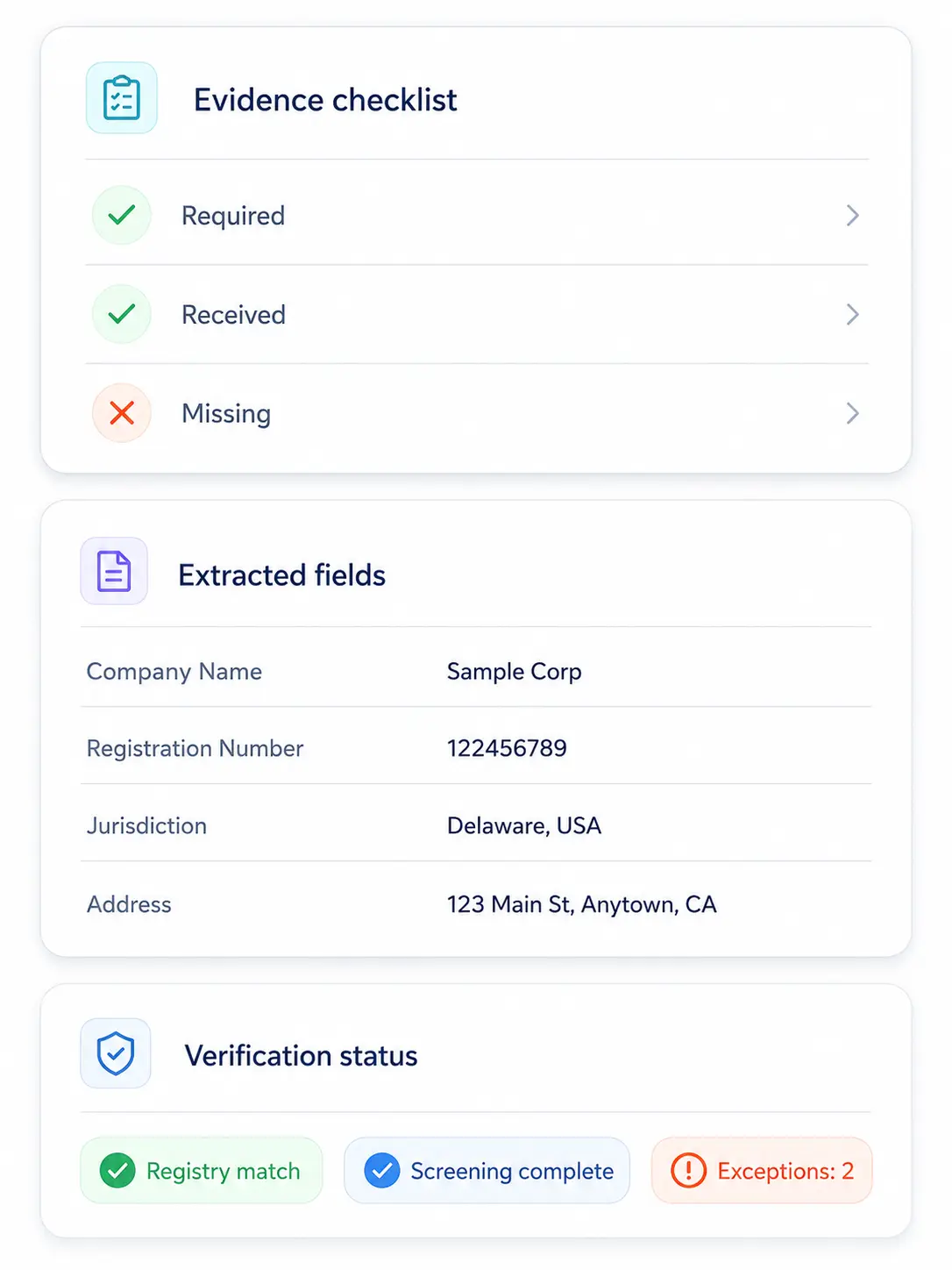
Automation should reduce repetitive work while preserving the decision context your team needs
Collect required documents and inputs with a consistent checklist per workflow.

Extract key entity details into a review-ready case record.
Validate core company data against official sources and store the results.
Run screenings and attach results to the case with timestamps and sources.
Highlight mismatches, missing evidence, and anomalies that require manual review.
Bring common KYB inputs into one case record, with consistent evidence and outputs
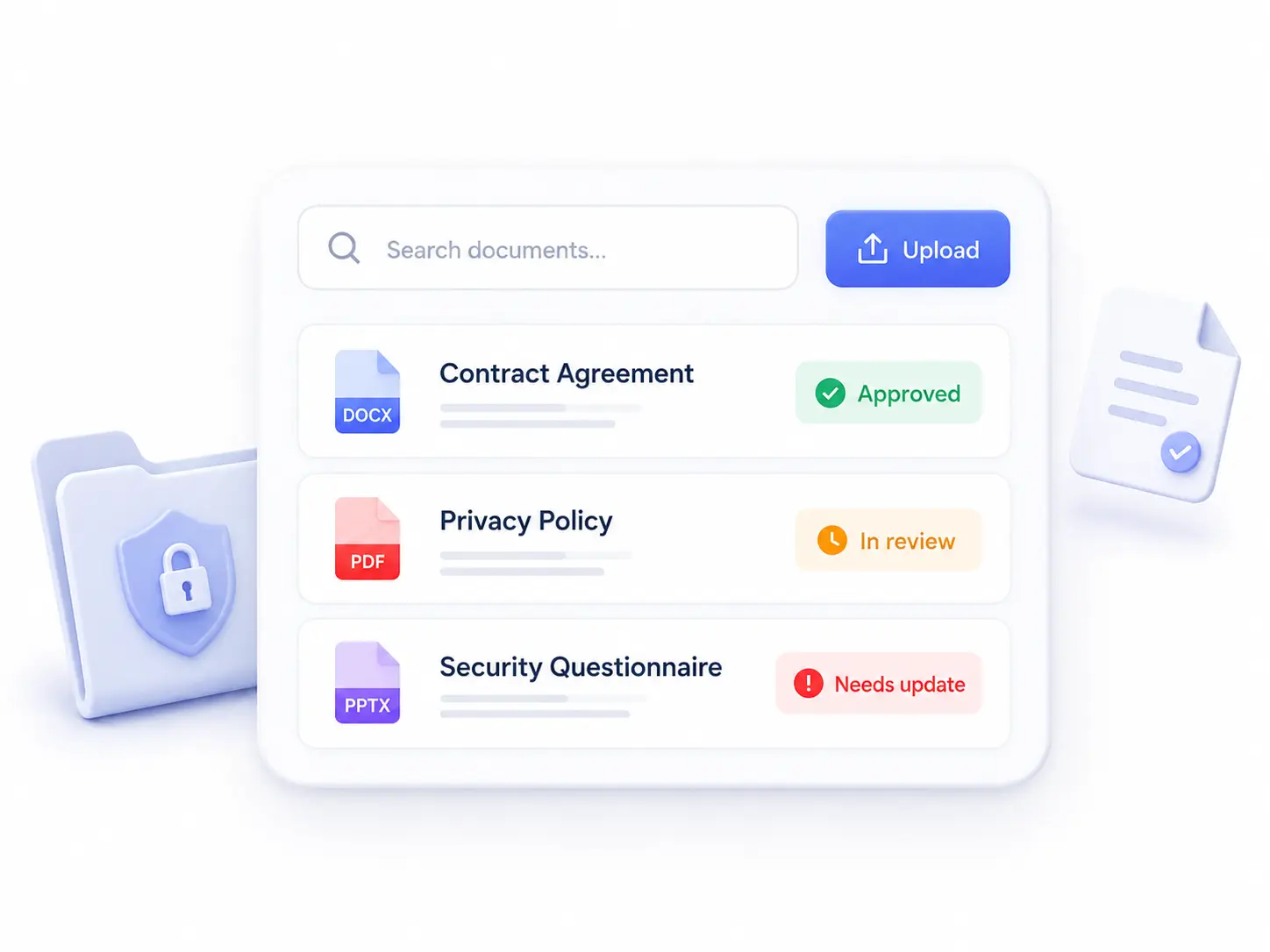
Certificates, filings, IDs, proofs, and onboarding forms.
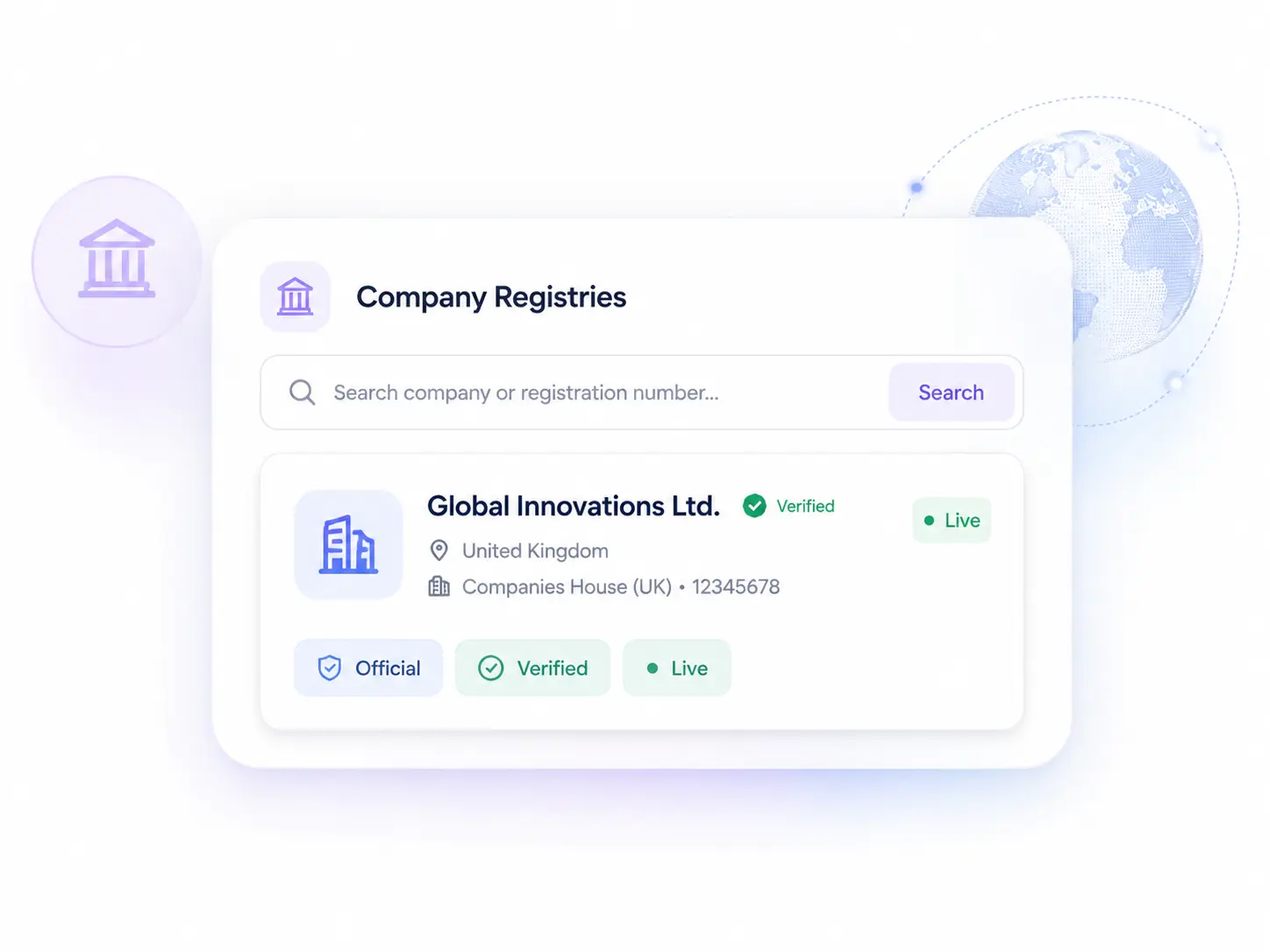
Entity status, directors, registration details, and updates.
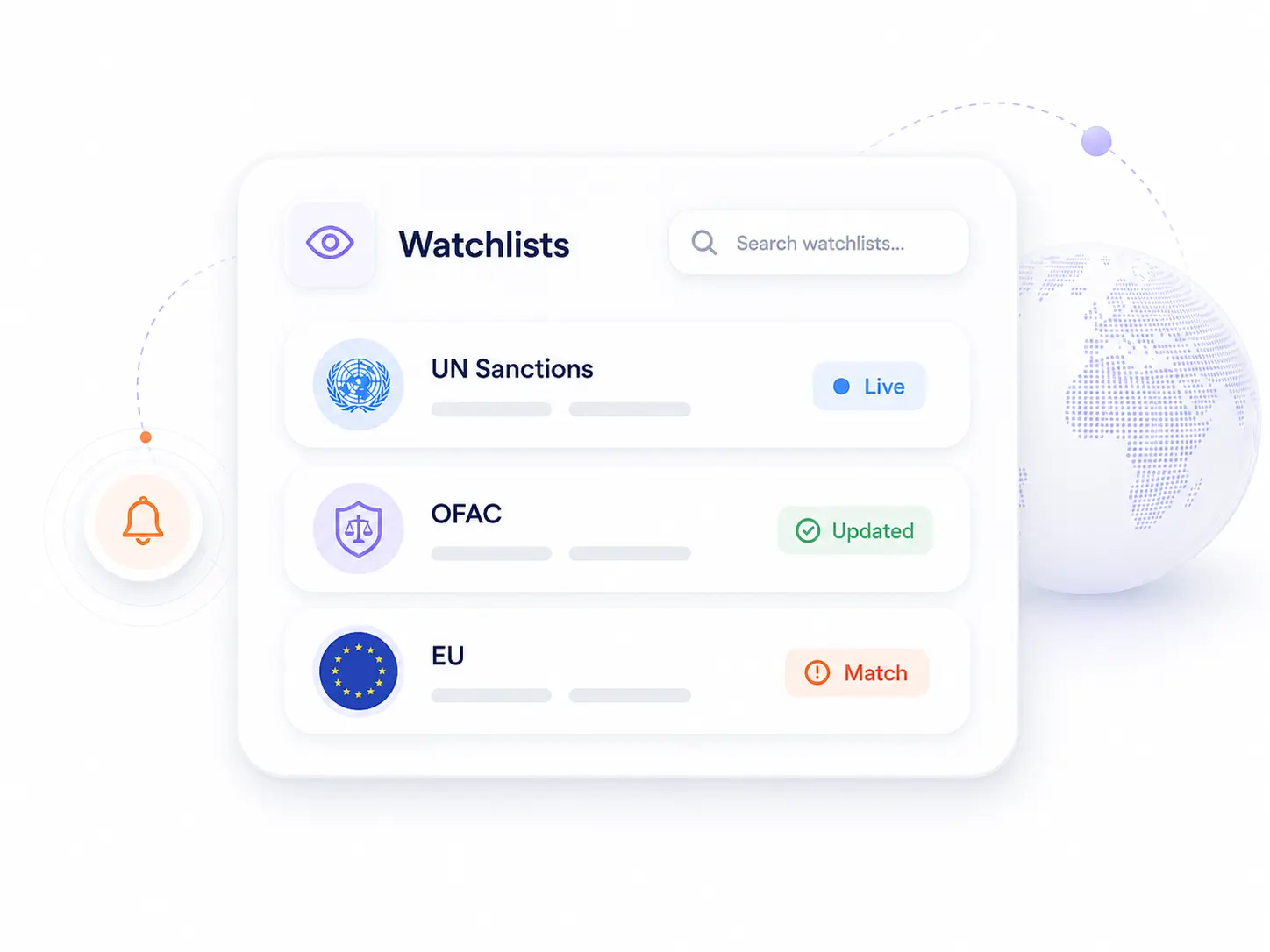
Sanctions, PEP, and related screening sources.
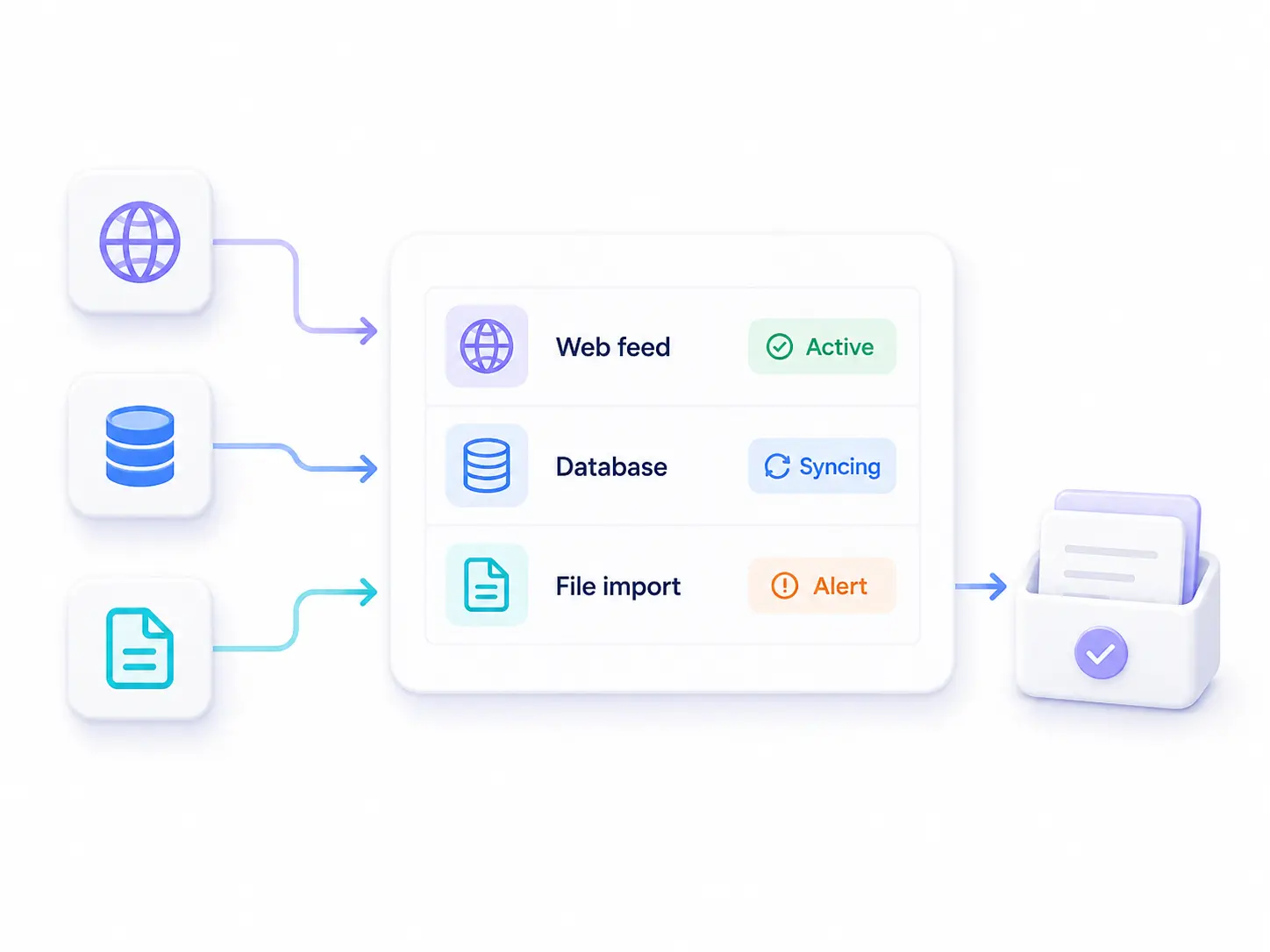
Internal data, partner feeds, and uploaded evidence.
Automation handles the standard path and highlights edge cases that need a documented decision
Checklist items not received or incomplete for the workflow.
Extracted fields conflict with registry data or provided inputs.
Inactive, dissolved, or unverifiable registration status.
Missing UBO details, unclear control, or incomplete documentation.
Potential sanctions/PEP match or insufficient identifiers to resolve.
High-risk exposure that requires enhanced due diligence.
Automation produces a review-ready case file with consistent evidence, checks, and exception context
Request a demo

Real questions from compliance teams evaluating Detelio. If something's missing, ask us in the demo — we'd rather over-share.

It standardizes evidence intake, extracts key fields, runs repeatable verification checks, and flags exceptions for review.
Yes. Automation prepares the case and highlights exceptions, while teams decide approve, restrict, or escalate based on policy.
The case is flagged with a clear exception reason so reviewers can request additional evidence or escalate to enhanced due diligence.
Yes. Outputs can be stored with sources and timestamps so decisions are traceable and audit-ready.
Yes. Teams can define required evidence and checks per workflow so automation matches KYB policy and risk appetite.